Comparison Analysis
The Intelligent OS Era
By 2026, the traditional operating system has been fundamentally rebuilt. We are no longer just managing files and windows; we are interacting with an AI-Native Environment. Both Microsoft and Apple have integrated Neural Processing Unit (NPU) requirements into their core kernels, making AI features like real-time translation, generative search, and proactive task automation as standard as a file explorer.
This comparison looks at the 2026 iterations of Windows and macOS—systems that are faster, smarter, and more integrated than ever before.
Windows 2026: The Arm Revolution and Fluid Design
For years, Windows was held back by the legacy of x86 architecture. In 2026, that is ancient history. Thanks to the “Prism II” translation layer and the dominance of Snapdragon and Intel Lunar Lake chips, Windows on Arm is now the standard for laptops. Users finally have 20-hour battery life combined with the raw power needed for heavy multitasking.
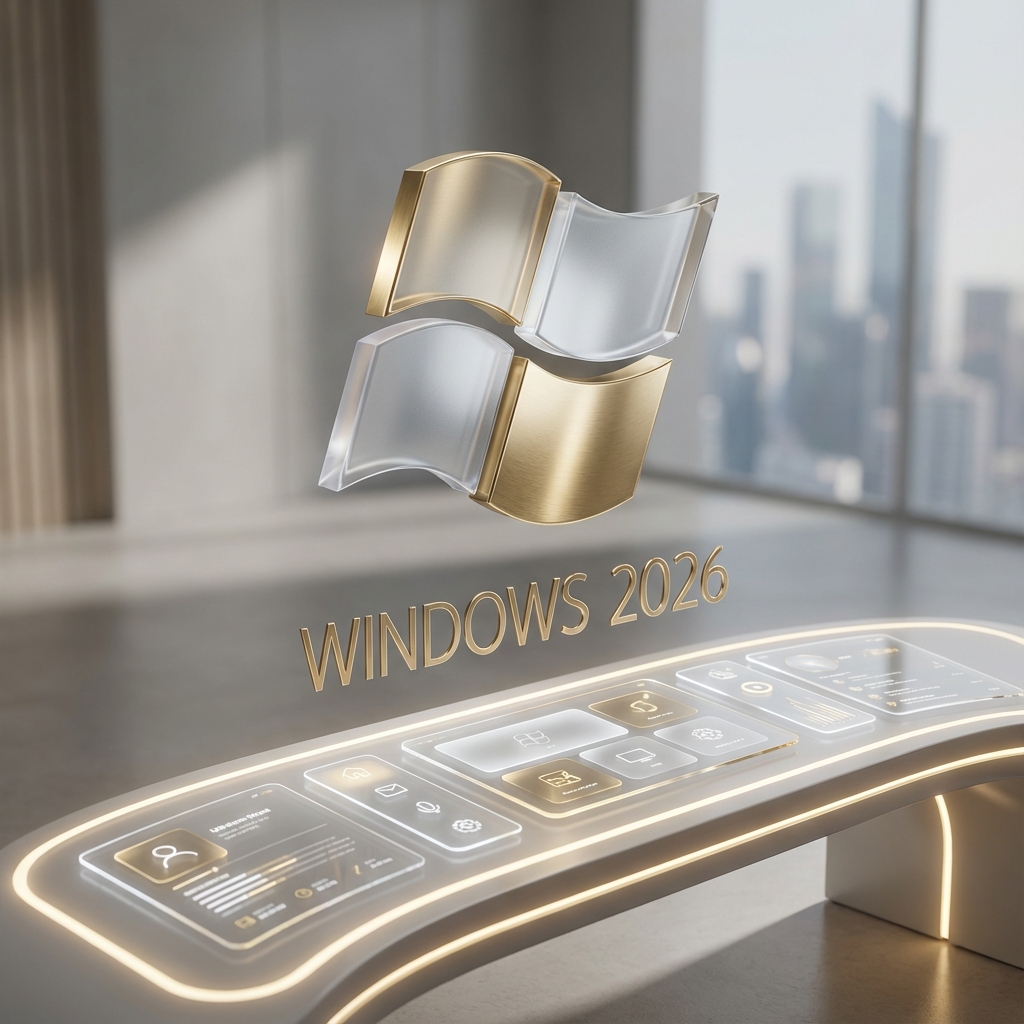
The design language of Windows has evolved into “Fluid Glass.” It’s an interface that feels alive, with windows that subtly morph based on context and an AI Copilot that lives in the taskbar, capable of executing complex multi-app commands. You can tell your PC, “Organize all my research from last week into a PowerPoint and email it to the team,” and Windows will handle the scraping, formatting, and sending across separate applications.
macOS 2026: Apple Intelligence II and Safari Spatial
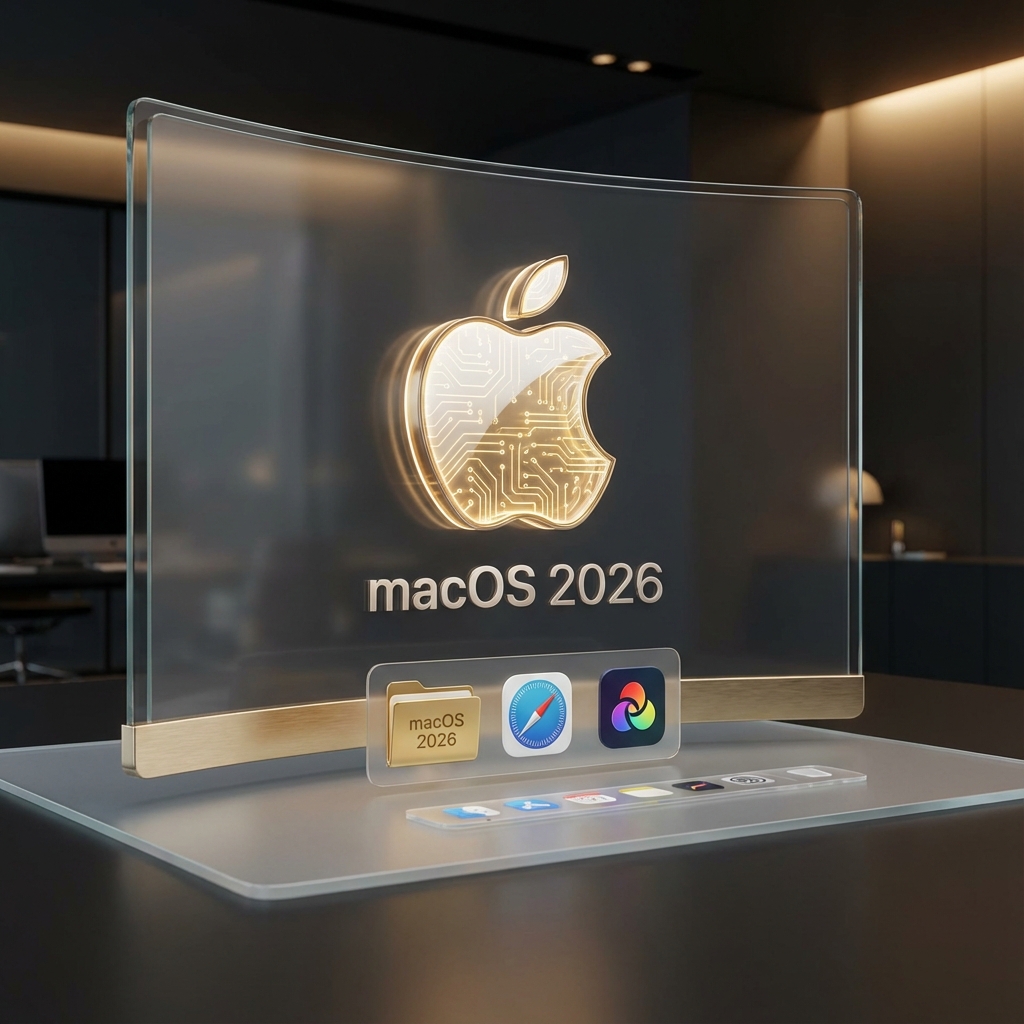
Apple has maintained its lead in “Seamless Flow.” In 2026, macOS leverages the M5 chip series to run “Apple Intelligence II” entirely on-device. Privacy remains Apple’s biggest selling point; while Windows sends some complex AI tasks to the Azure cloud, macOS handles almost everything locally, ensuring your data never leaves the machine.
The most significant shift in macOS is its integration with the Vision Pro ecosystem. Using “Safari Spatial,” you can toss browser tabs or entire app windows into the air around you, creating a literal infinite desktop that syncs perfectly between your MacBook and your headset. The OS has become “environmentally aware,” adjusting its notification density and interface layout based on whether you are at your desk, in a cafe, or on a plane.
Gaming: The Metal 4 Breakthrough
Historically, gaming was the Achilles’ heel of the Mac. In 2026, the story has changed. Apple’s Metal 4 API, combined with dedicated hardware ray-tracing on M5 chips, has brought AAA titles like Cyberpunk 2077: Phantom Liberty 2 and Grand Theft Auto VI to the Mac with performance that rivals high-end PCs. Apple’s “Game Porting Toolkit 3” has made it easier than ever for developers to bring Direct X titles to macOS.
However, Windows still holds the “Gaming GOAT” title. With DirectX 13 Ultimate and the sheer variety of GPU options from NVIDIA and AMD, the PC remains the only place for ultra-enthusiast gaming, VR, and a 100-million-title-deep back catalog. The “Windows Gaming Hub” has also integrated cloud gaming so deeply that you can start a game on your desktop and continue it on your handheld (like the ROG Ally 3) without a second of latency.
Ecosystem vs. Openness
The decision often comes down to the “Wall” vs. the “Wild.” The Apple ecosystem in 2026 is tighter than ever. “Universal Control” now allows you to use your iPad as a secondary touch-input for Mac apps, and your iPhone 17 Pro serves as a high-end 8K webcam seamlessly.
Windows, conversely, has embraced the “Open Desktop.” It plays well with everything—Android phones, iPhones, Linux sub-systems, and every peripheral imaginable. If you want to build a custom liquid-cooled rig with 8 monitors, Windows is your only choice. If you want a perfectly tuned machine that “just works” within a suite of other products, macOS wins.
FAQ: OS GOAT Questions
Is Windows better for gaming in 2026? Yes, Windows remains the primary platform for gaming due to broader hardware support, DirectX 13, and a much larger library of titles.
Which OS is more secure? macOS is generally considered more secure due to its closed ecosystem and Apple’s focus on on-device AI processing, though Windows 11/12 has made massive strides with hardware-enforced security.
Does macOS run on standard PCs? No, macOS is exclusive to Apple Silicon hardware. Windows runs on a vast array of hardware from hundreds of manufacturers.
Can I run Windows apps on a Mac? Yes, through tools like Parallels Desktop or Apple’s own Game Porting Toolkit, though performance varies for high-end applications.
Final Verdict: Freedom or Flow?
The choice between Windows and macOS in 2026 depends on your philosophy of computing.
Choose Windows if you value Freedom. It is the OS for gamers, builders, enterprise power users, and anyone who wants to control every aspect of their hardware and software environment.
Choose macOS if you value Flow. It is the OS for creatives, developers, and users who want a high-performance, aesthetically beautiful, and privacy-focused experience that ties their devices into a single, cohesive unit.
In 2026, there are no wrong answers—only different ways to work and play.
Tech specs and OS features based on speculative 2026 roadmaps.